RoadStation by VeriCivil · iPhone
Find your station.
Understand your offset.
Bring a supported LandXML roadway alignment to your iPhone. RoadStation gives engineers and inspectors approximate station and LT/RT offset with the project coordinate system and phone positioning quality in view.
App Store release in preparation · iOS 17 or later
Field workflow
From project file to field context.
RoadStation works from the alignment you supply and the CRS and units you confirm.
- 01
Import LandXML
Choose a supported .xml or .landxml alignment file from iOS Files.
- 02
Confirm CRS & units
Check the project EPSG code, datum and exact units against your documentation. RoadStation does not confirm a suggested CRS for you.
- 03
Select an alignment
Choose the alignment to inspect. Saved projects reopen on your device for return visits.
- 04
Read station & offset
Field Position uses foreground phone location for an approximate horizontal station and LT/RT offset. Accuracy and stale-position status remain visible.
Inside the app
Your alignment, with the context to use it.
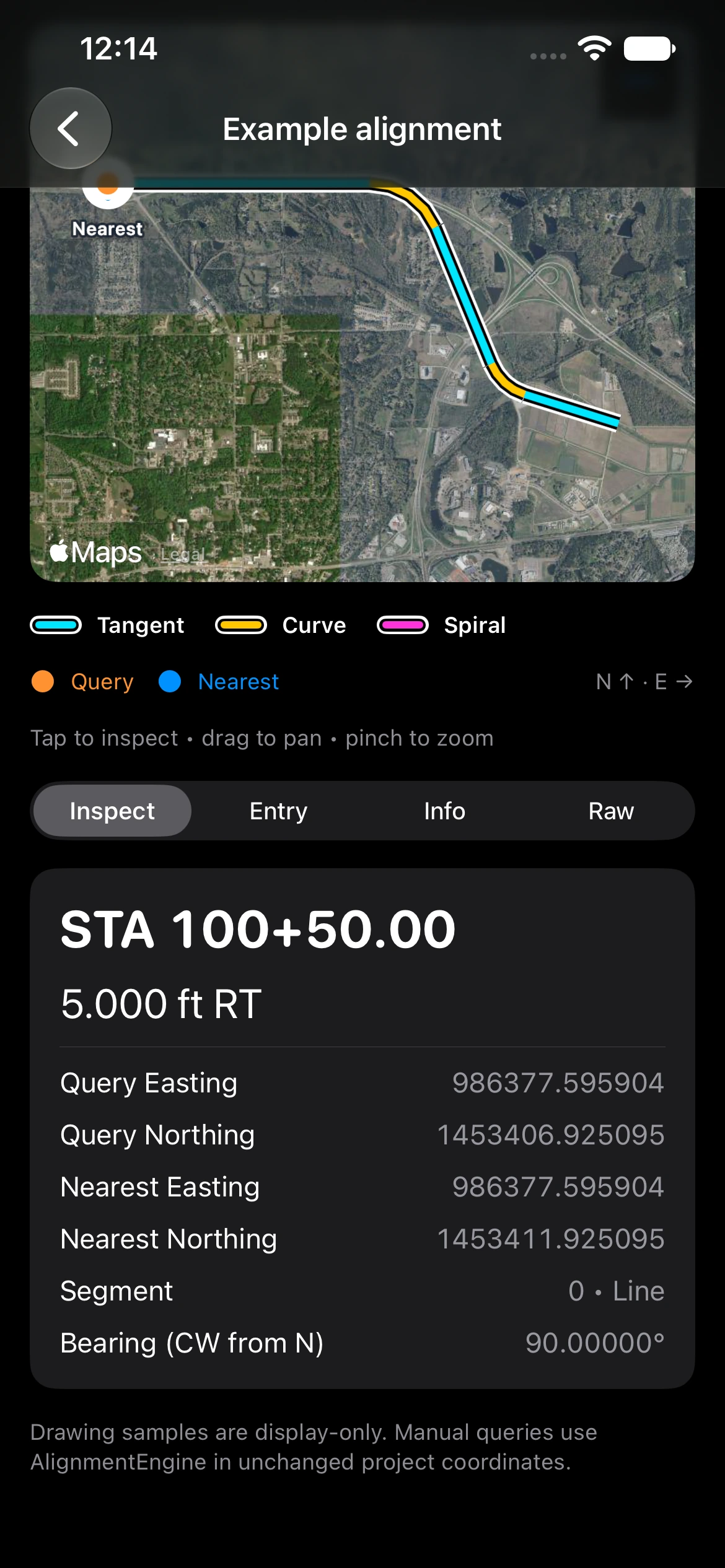
MapKit satellite or street maps show geographic context where available. Engineering View shows the local alignment when map imagery is unavailable. Map drawing does not determine the station or offset.
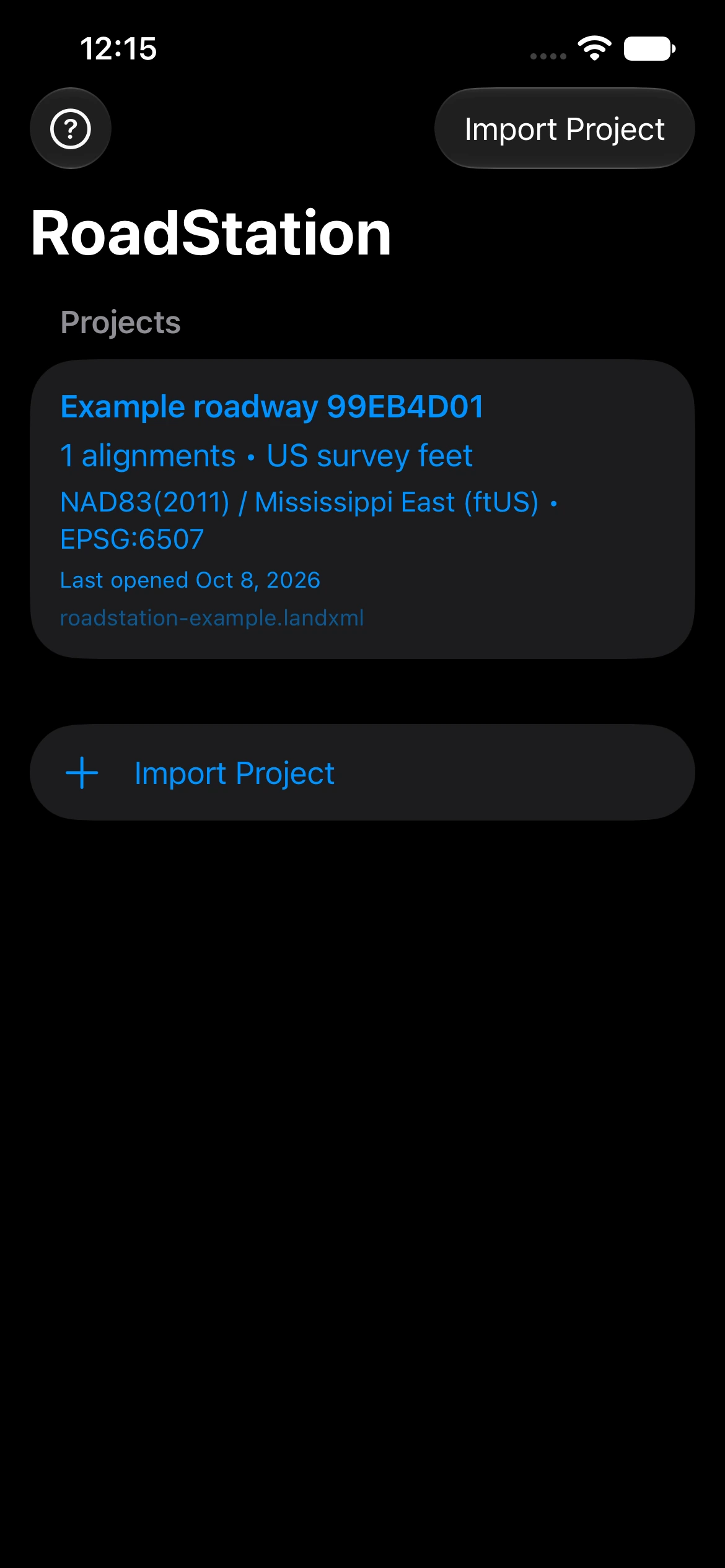
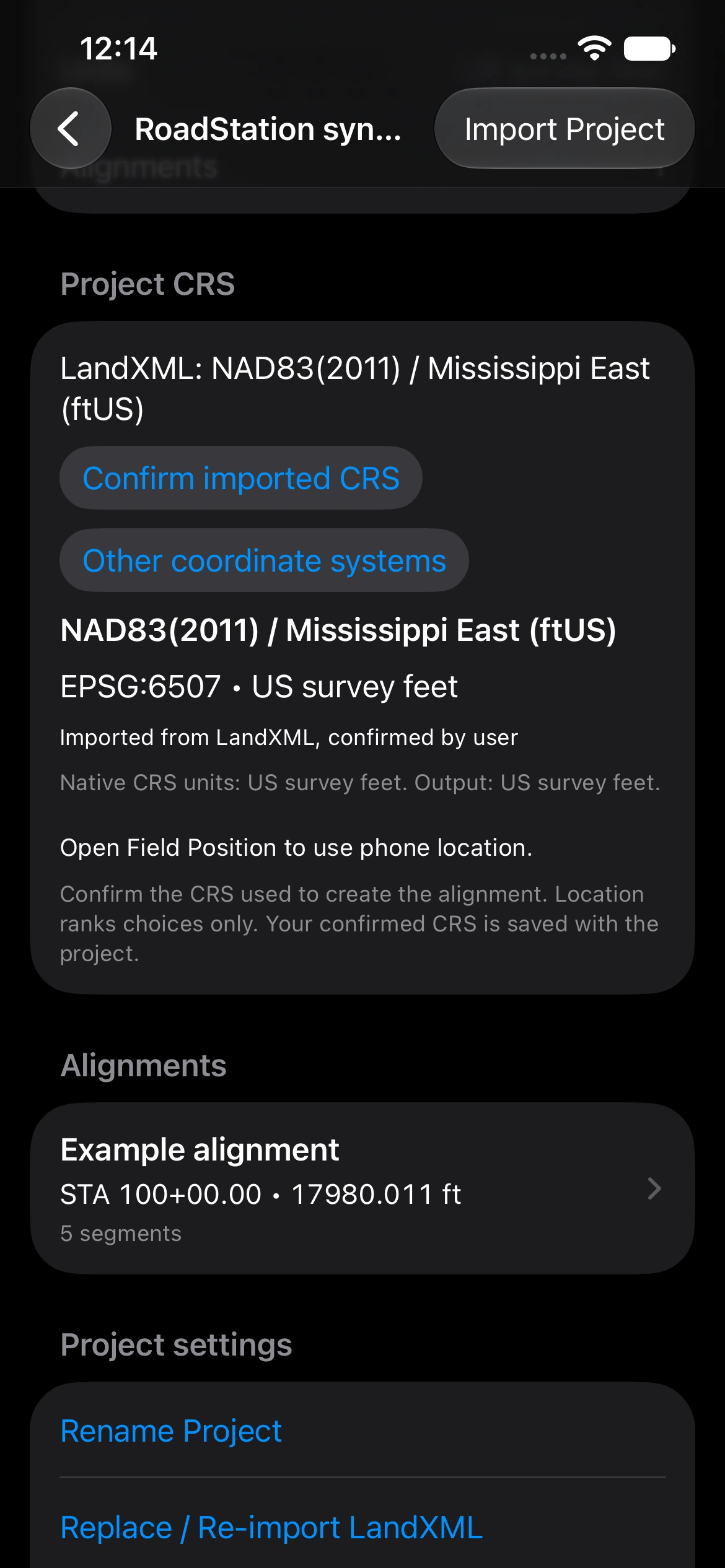
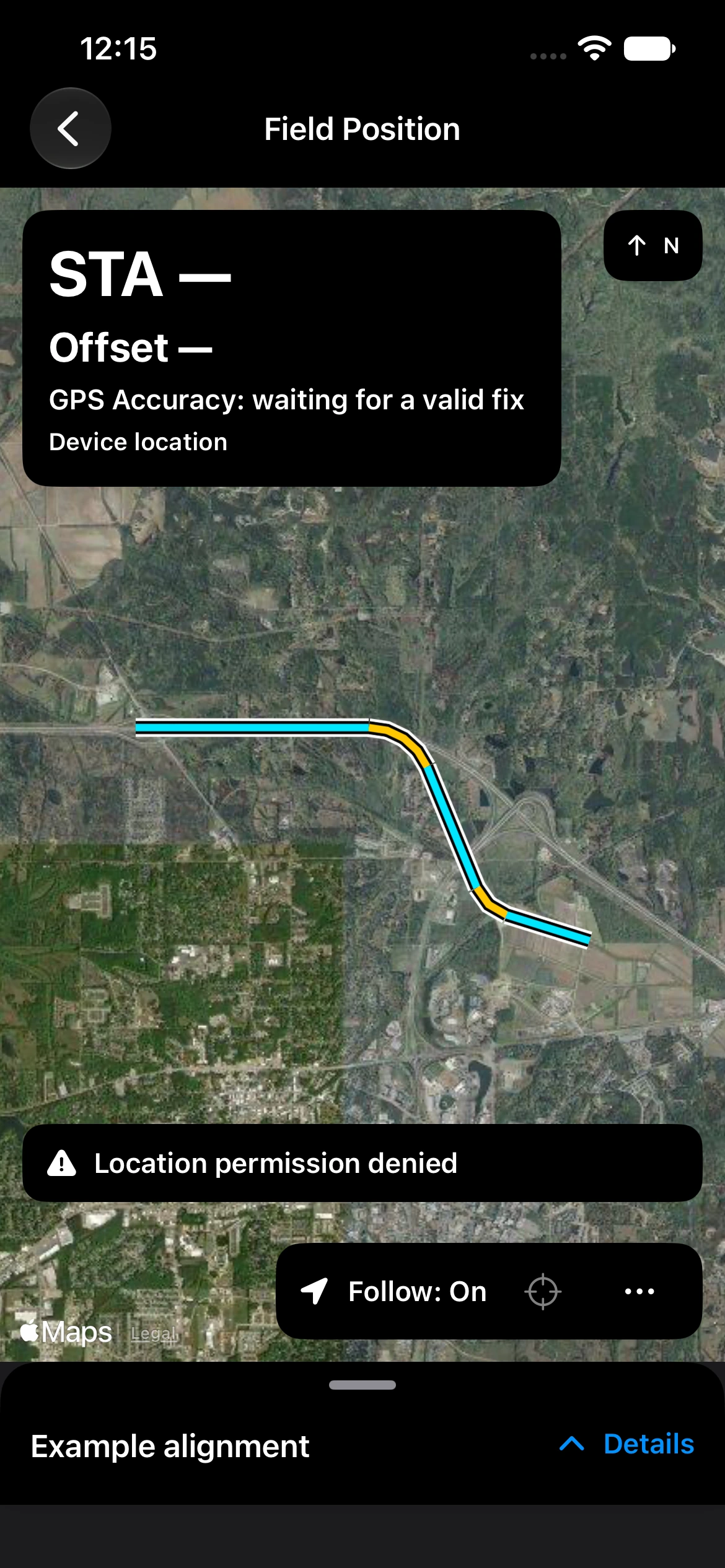
Screens use a fictional sample, not a surveyed roadway or live field accuracy example.
Phone GPS is approximate and not survey-grade.
Check location accuracy and freshness, project control, CRS and units before interpreting a result. Stale or invalid fixes do not create a new calculation. Map imagery is context, not a surveyed control point. RoadStation does not replace survey equipment or professional judgment.
Product walkthrough
See the workflow in motion.
A short demo video is being prepared. Until it is ready, use the fictional sample and worked manual check to explore import, CRS confirmation and station/offset.
View sample & worked check ↗Availability
Built for the next site visit.
RoadStation is being prepared for App Store release. The verified App Store link will appear here when available. No app account or subscription is required.
Requires iPhone with iOS 17 or later, a supported LandXML alignment, and a documented coordinate system. Location permission is needed for live Field Position; manual inspection works without it.